No. 01
12 palettes
From cream-paper and bone-charcoal to amber phosphor and kawaii pink, interpolated in OKLCH for even gradients.
Built for AI agents and headless pipelines first. One CLI and an MCP server turn images, video clips and text into character-grid art: presets are schema-checked in a tenth of a second, the same job renders byte-identical every run, and a batch pays the app’s start-up once. The studio window is there when you want to tune by eye.
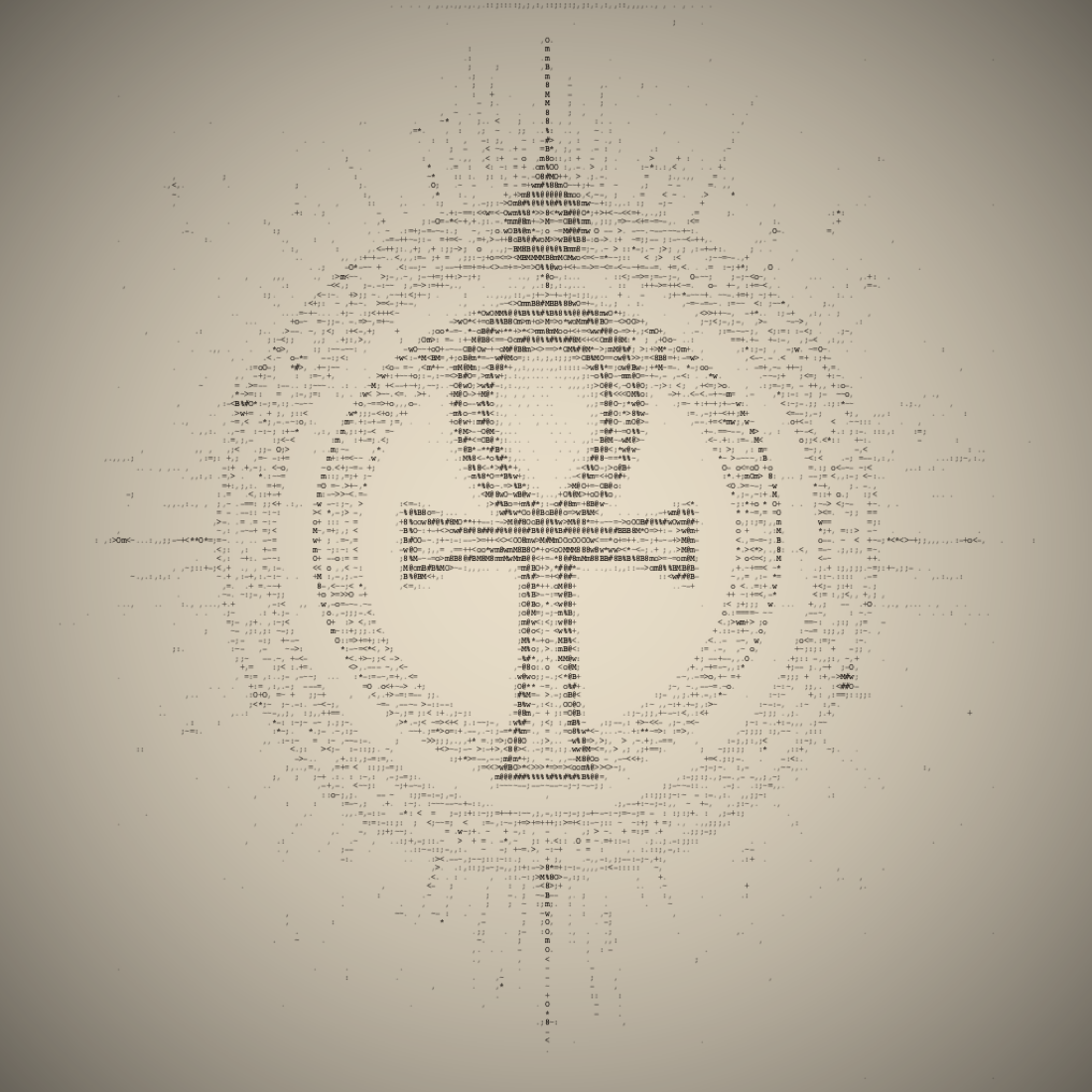
v0.2.0 · Free & open source · universal · macOS 11+ · Alpha — still in testing, expect rough edges
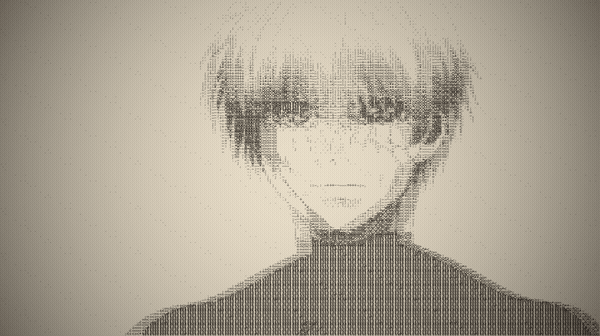
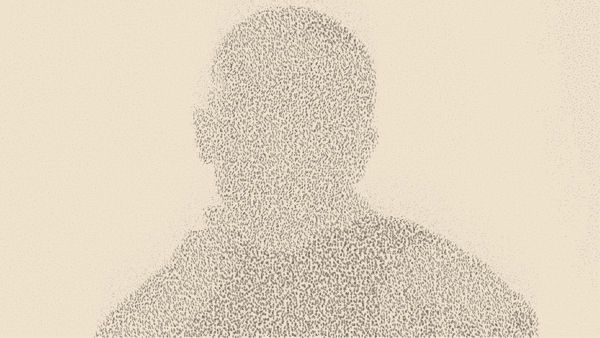
Drop in an MP4, MOV, M4V or WebM clip. H.264 is decoded frame-exactly in Rust, so the same clip renders the same bytes every time. Here the keyframe timeline also morphs the palette from grey to amber and back over the loop.
render --in clip.mp4 --out clip.mp4 --color-mode monochrome \
--timeline 'palette=0:(monochrome),0.5:(amber-phosphor),1:(monochrome)'Composite the type onto an image or a clip: screen, multiply or mask, blended in linear light before the grid draws.
render --in worm.jpg --text 'BABY\nHULUD' \
  --text-blend screen --text-anim rise \
--palette spice --out worm.mp4A title or a lyric file (.srt, .lrc) becomes the source: typewriter, rise, fade or scale, each line on its own timing.
render --text 'GLYPH GRID\nSTUDIO' --text-anim typewriter \
--palette cream-paper --out title.mp4The same clip, exported as text instead of pixels. This frame is the app's --format html file itself, playing in your browser: select it, copy it, view source. txt and 24-bit ansi are one still frame for the terminal; cast is an asciinema recording.
render --in clip.mp4 --format html --cols 120 --rows 36 --out clip.htmlFrom cream-paper and bone-charcoal to amber phosphor and kawaii pink, interpolated in OKLCH for even gradients.
STBN blue noise, Bayer, Floyd–Steinberg, Atkinson, Jarvis–Judice–Ninke: tunable grain per render.
ASCII, dense ASCII, block elements, octants, sextants and braille, or a classic brightness ramp.
Brightness, shape matching, edge-aware, edge-directional and flow: how each cell picks its glyph.
Bloom, halation, scanlines, vignette, chromatic aberration, phosphor decay, depth fog, kawaii and a Lottes CRT beam.
Glyphs drift upward and fade into blank paper over a window of the loop you choose. Try --set dispersal.enabled=true.
Images and animated GIFs, video clips, kinetic text and lyric files, and a live webcam (beta).
GIF, MP4, PNG, SVG, terminal text (txt, ANSI, asciinema, HTML), preset JSON and share links.
Starts with zero network requests, no account, no telemetry. The preview rests when nothing is changing.
The same app runs headless. Every preset is checked against a published JSON Schema, so a typo fails in milliseconds with the exact path instead of after a render.
# check a preset or batch manifest (exit 0 ok, 2 invalid)
$ glyph-grid-studio validate preset.json

# print the merged job without rendering
$ glyph-grid-studio render --in a.png --out a.gif \
    --preset preset.json --set grid.cols=200 --dry-run

# GUI-length loop, a time limit, NDJSON progress
$ glyph-grid-studio render --in a.png --out a.mp4 \
    --frames auto --timeout 120 --progress

# many variants, two workers, skip finished jobs
$ glyph-grid-studio batch --manifest jobs.json \
    --jobs 2 --resume
Clear exit codes: 0 ok, 1 render failed, 2 bad input, 3 timed out. catalog lists every palette, dither, glyph set, effect and format.
Wire the app into Claude Desktop, Cursor or any MCP client and it shows up as three tools. Everything still runs on your Mac.
glyph_grid_renderone image, clip or text to GIF, MP4 or terminal textglyph_grid_batchmany jobs in one app session; start-up is paid onceglyph_grid_catalogevery option, as JSONRenders report progress as they go and can be cancelled mid-flight. Errors come back as JSON with the path of the bad argument.
{
  "mcpServers": {
    "glyph-grid-studio": {
      "command": "/Applications/Glyph Grid Studio.app/Contents/MacOS/glyph-grid-studio",
      "args": ["mcp"]
    }
  }
}
Free & open source, but not signed with a paid Apple cert — so macOS blocks the very first open. Any one of these clears it for good: